FIDO2 Passkeys vs Physical Security Keys: Which is Best for Banking?
FIDO2 passkeys and physical hardware security keys both aim to enhance security against phishing attacks in banking, but they operate on different principles. FIDO2 passkeys leverage cloud-based authentication, while hardware keys provide a tangible, offline solution. Each has its strengths and weaknesses, appealing to different user needs and security contexts.
Understanding FIDO2 Passkeys: Architecture and Mechanisms
FIDO2 passkeys are part of the FIDO (Fast Identity Online) Alliance’s initiative to create a passwordless authentication standard. They utilize public key cryptography, where a unique key pair is generated for each user account. The private key remains securely stored on the user’s device, while the public key is registered with the service provider. When logging in, the service sends a challenge that the device signs with the private key, proving the user’s identity without transmitting sensitive information.
This architecture significantly reduces the risk of phishing attacks, as even if a malicious actor were to intercept the authentication request, they would only obtain the public key and not the private key needed for signing. However, FIDO2 passkeys rely on device compatibility and internet access, which can limit their usability in certain scenarios, particularly for users with older devices or those in areas with poor connectivity.
Physical Hardware Security Keys: Offline Security and Usability
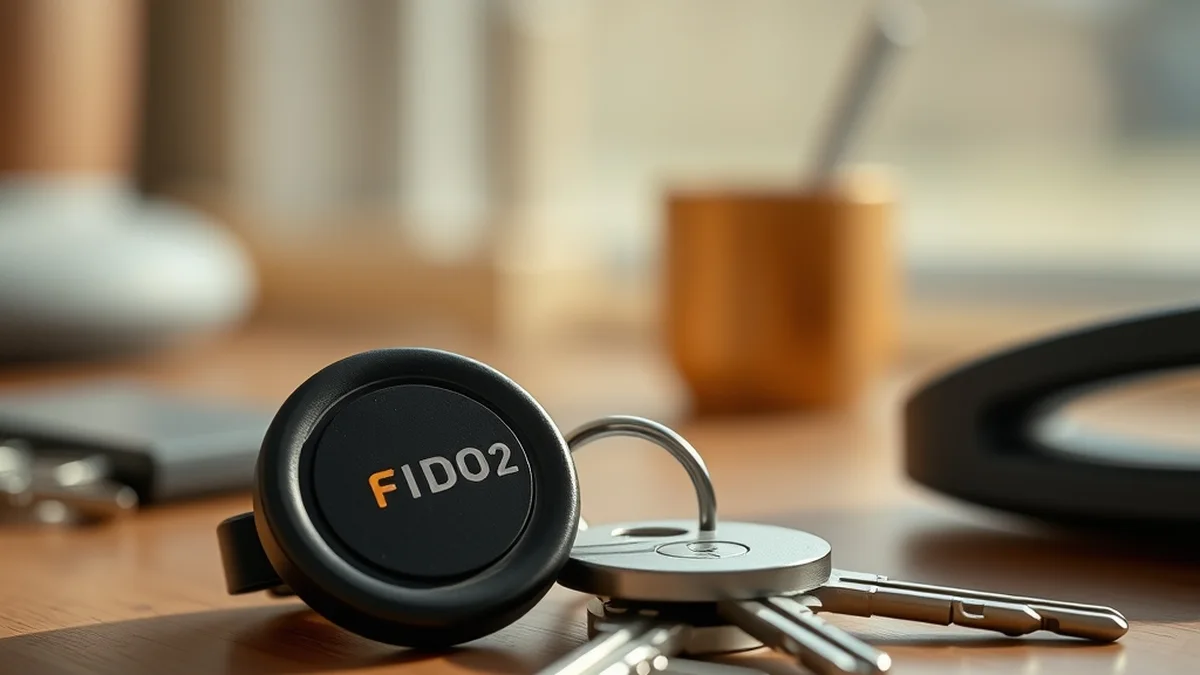
Physical hardware security keys, such as YubiKeys or Google Titan Security Keys, offer a different approach to phishing resistance. These devices connect to a computer or mobile device via USB, NFC, or Bluetooth and require physical presence for authentication. When a user attempts to log in, they must insert the key or tap it to their device, providing an additional layer of security that is inherently resistant to remote attacks.
The primary advantage of hardware keys is their independence from software vulnerabilities and internet connectivity. They are immune to phishing attacks that target online authentication processes, as the user must physically interact with the device. However, this can also be a limitation; losing a key can lock users out of their accounts, necessitating backup keys or recovery methods. Additionally, hardware keys may not be supported by all services, requiring users to check compatibility before relying on them.
Latency and Privacy Trade-offs: Cloud vs. Hardware
When comparing FIDO2 passkeys and hardware security keys, latency and privacy are critical factors. FIDO2 passkeys can introduce latency due to their reliance on cloud services for verification. This means that if a user is in a location with poor connectivity, they may experience delays or even failures in authentication. Conversely, hardware keys operate locally, providing immediate authentication without the need for internet access. This can be particularly advantageous in high-security environments where speed and reliability are paramount.
From a privacy perspective, FIDO2 passkeys may raise concerns. While they are designed to minimize data exposure, the reliance on cloud services means that some user data may still be stored externally. Hardware keys, on the other hand, keep all sensitive information local, reducing the risk of data breaches associated with cloud storage. Users concerned about privacy may prefer hardware keys for this reason, as they maintain greater control over their authentication process.
Economic Considerations: Hardware vs. Cloud Costs
When evaluating the economic implications of FIDO2 passkeys versus hardware security keys, several factors come into play. FIDO2 passkeys typically require minimal upfront investment, as they can be implemented on existing devices without the need for additional hardware. This makes them an attractive option for organizations looking to enhance security without significant capital expenditure.
In contrast, hardware security keys involve a one-time purchase cost, which can vary widely depending on the manufacturer and features. While this upfront cost may deter some users, the long-term benefits—such as reduced risk of account compromise and potential cost savings from avoiding data breaches—can outweigh the initial investment. Additionally, organizations must consider the ongoing costs associated with managing and replacing hardware keys, especially in larger deployments.
Related Purple Lab Briefings: Explore deeper benchmarks in Ultra-Wideband Smart Tracker Tags vs. Anti-Stalking Alerts: A Deep Dive and Gallium Nitride (GaN) Fast-Charging Bricks: Safety and Design Insights.
Deployment Checklist: Choosing the Right Solution
When deciding between FIDO2 passkeys and hardware security keys, users and organizations should consider a deployment checklist that includes the following criteria:
- Compatibility: Ensure that the chosen solution is supported by all necessary applications and services.
- User Base: Assess the technical proficiency of users; FIDO2 passkeys may be easier for less tech-savvy individuals.
- Security Needs: Evaluate the level of security required; high-risk environments may benefit more from hardware keys.
- Cost Considerations: Analyze the total cost of ownership, including initial investment and potential future expenses.
- Backup Solutions: Plan for contingencies, such as lost keys or device failures, to ensure uninterrupted access.
| Feature | FIDO2 Passkeys | Hardware Security Keys |
|---|---|---|
| Authentication Method | Cloud-based, public key cryptography | Physical interaction required |
| Connectivity | Requires internet access | Works offline |
| Cost | Low initial investment | One-time purchase cost |
| Privacy | Potential cloud storage risks | Local data storage |
| Usability | Device-dependent | Device-agnostic |
Both FIDO2 passkeys and hardware security keys offer robust solutions for phishing-resistant banking, each catering to different user needs and contexts. Understanding their respective architectures, trade-offs, and economic implications is crucial for making an informed decision. By carefully evaluating the deployment checklist, users can select the solution that best fits their security requirements and operational environment.
Prioritizing local control, open security standards, and repairable hardware keeps consumer tech working for you.